
Work order software, built around the job: Every job, and who's on it
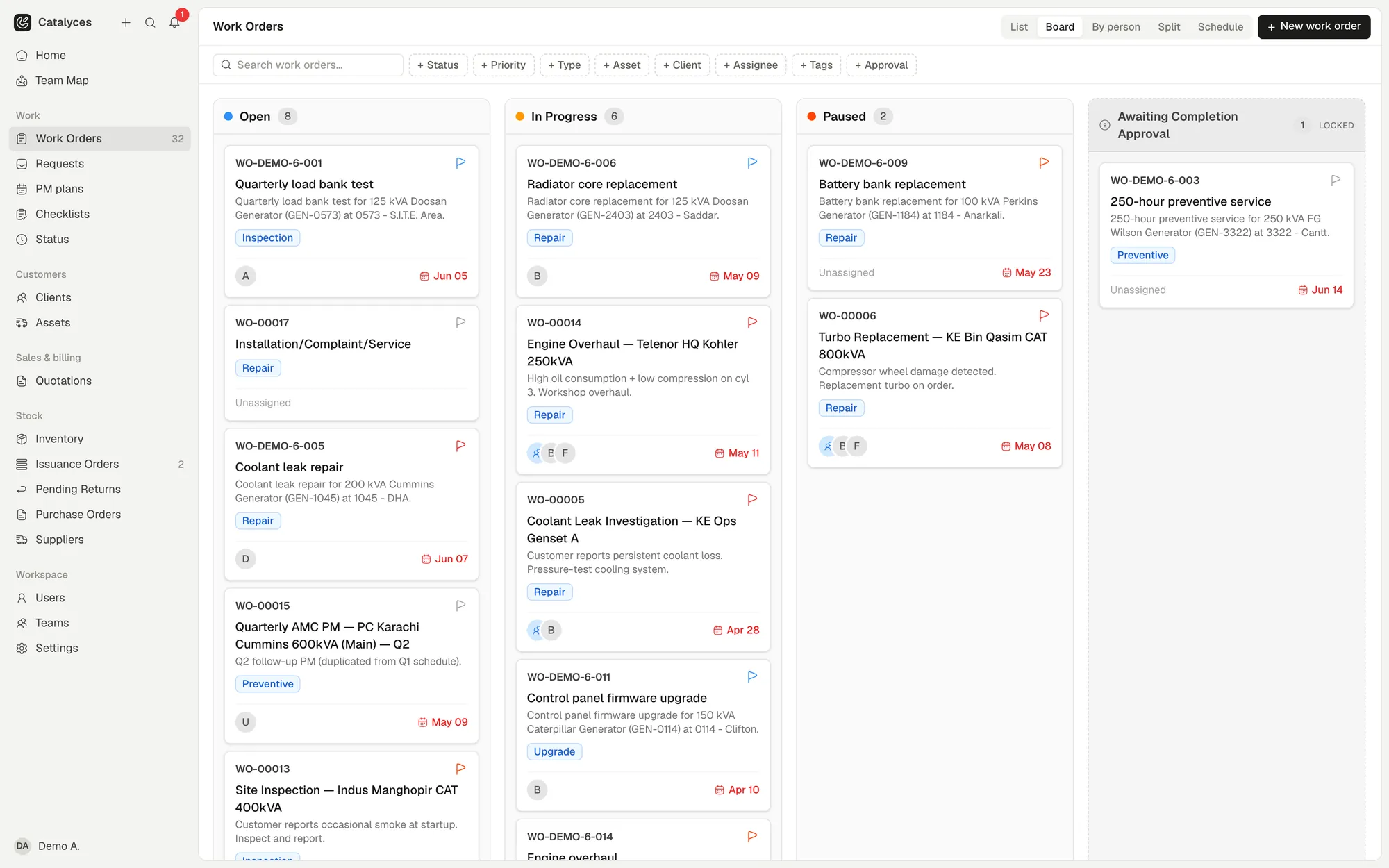
Work orders in Catalyces are the jobs your team does every day: repairs, services, call-outs. You create one, assign it to a person or a team, and track it through to a signed-off completion report. Anyone on the team can see what is open, what is overdue, and who is doing it.
 (opens full size in a new tab)
Working out who's free
The office manager scrolls yesterday's group chat to see who finished the bakery job. Nobody's sure, so the pump call-out waits until someone picks up the phone.
See every job, not just today
Jobs sit on a board, a table, or a schedule, and you can split the screen to compare two at once. Drag a job onto the calendar when you know the date.
- Kanban board, table, split and schedule views
- Drag a job straight onto the schedule
- Duplicate a job instead of retyping it
- PDF export for any job
Assign it without the back-and-forth
Give a job to a person or a whole team, and let people talk about it on the job itself instead of in a separate chat. Add approval steps for work that needs a second look.
- Assign a job to a person or a team
- Comment with @mentions on the job
- Set approval steps before work starts
- Restrict a technician to their own jobs
Capture the work as it happens
The checklist, the parts, the hours: all logged against the job while the technician is still standing in front of the machine.
- Checklists for the steps that matter
- Time logs with start, end and optional GPS
- Photos and files attached to the job
- Parts and costs logged against the job
Close it with proof
A finished job ends in one PDF: what was done, what the checklist found, and the customer's signature from the site.
- Service report with checklist results
- Customer signs off on-site
- One PDF covering the whole job
- Every change logged, with who and when
Work orders: fair questions, straight answers.
You look after the machines. We’ll look after the paperwork.
Try it free for a week. No credit card. Your first job is about five minutes away.