
Customer portal for maintenance, invite-only: Stop taking the 'any update?' call
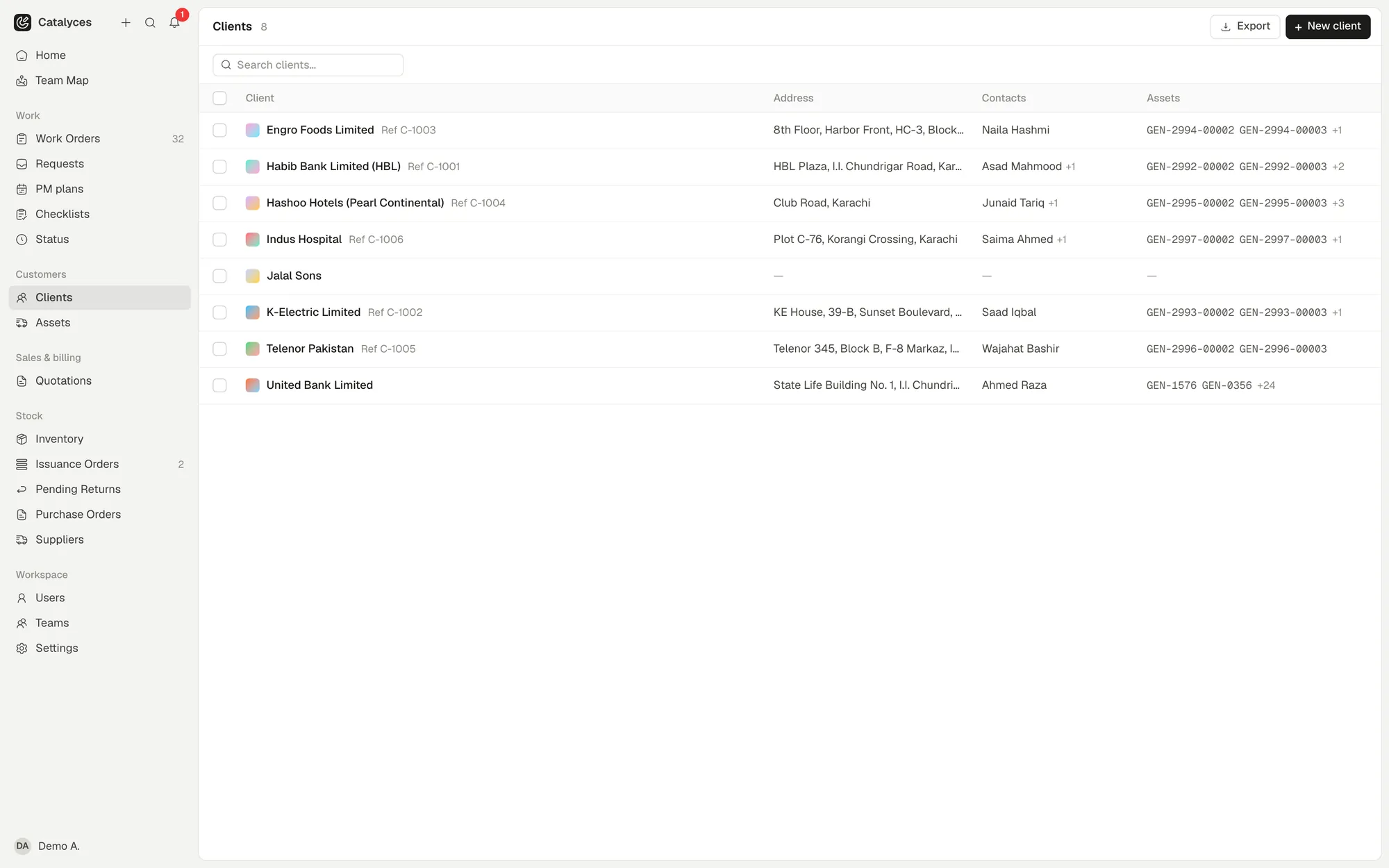
The customer portal in Catalyces gives each customer their own invite-only view of their jobs and equipment, so they can check status, comment and send new requests with photos instead of calling you. A public tracking link covers the customers who just need to check one job, with no login at all.
 (opens full size in a new tab)
The 'any update?' call
A customer calls for the third time about the same job. You repeat what you told them yesterday, word for word, while the technician is already on site.
Give customers their own view
An invite-only login shows a customer their own jobs, equipment and locations, nothing that belongs to anyone else.
- Invite-only login for each customer
- See their own jobs, equipment and locations
- Comment on a job directly
Let requests come to you in writing
A customer can send a new request with photos attached, and you accept, cancel or reopen it, all logged against the right client and location.
- Customers send requests with photos
- You accept, cancel or reopen each one
- No more digging through a group chat
Share a link, not a password
For a customer who just needs to check one job, skip the login. A public tracking link shows only what you choose, and you can turn it off again at any time.
- One link per job, no login needed
- Choose what it shows: logs, documents, parts, dates
- Switch it off whenever you want
Get sign-off without a site visit
Work done, checklist results and the signature all land in one service report, whether the customer signed on-site or through the portal.
- Customer sign-off tied to the completed job
- Signature sits inside the service report
- One record of what was agreed
Works hand in hand with
Or see how it fits your trade: maintenance software by industry.
Customer portal: fair questions, straight answers.
You look after the machines. We’ll look after the paperwork.
Try it free for a week. No credit card. Your first job is about five minutes away.