
Spare parts inventory software, counted for you: Stop guessing what's left in the van
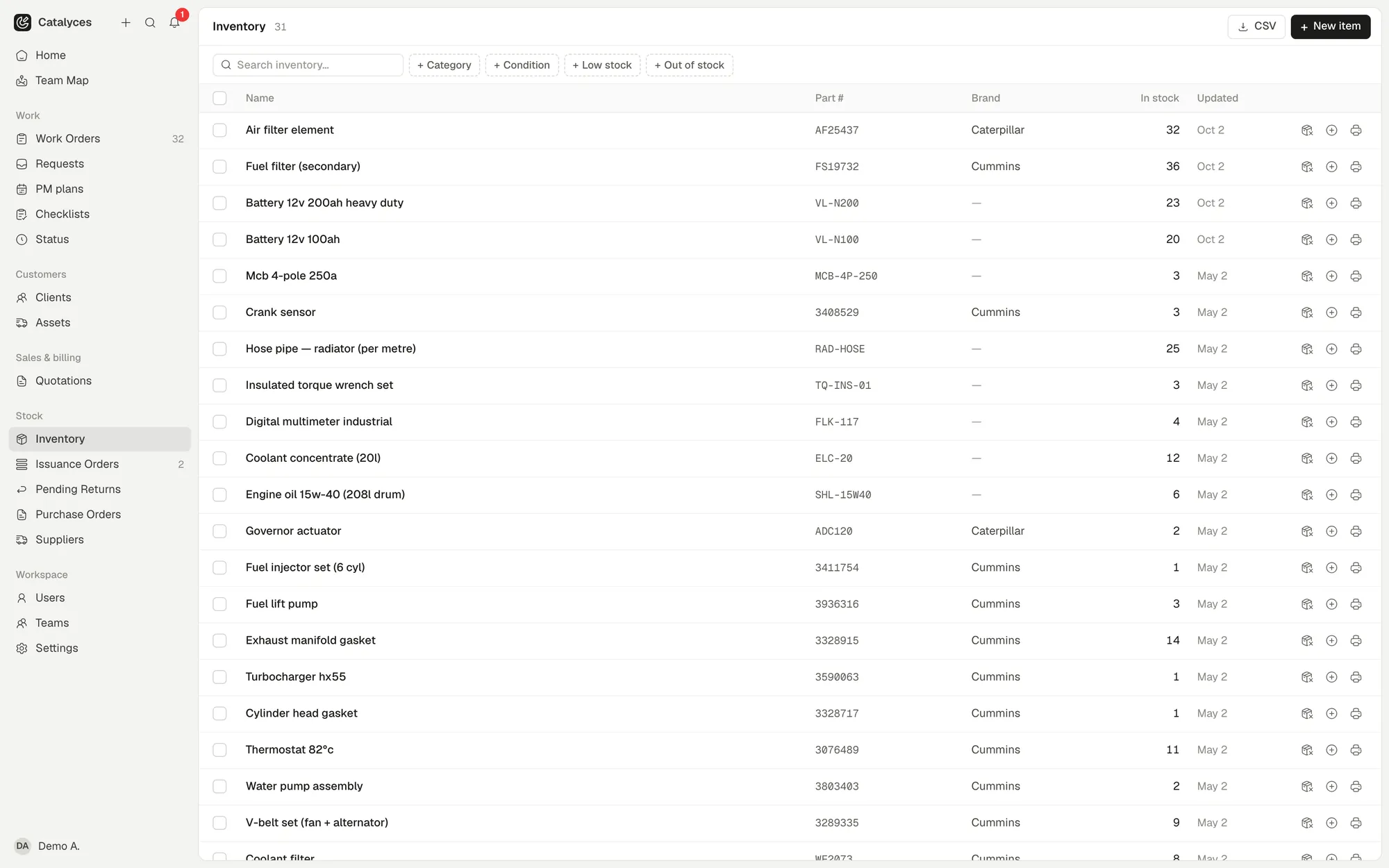
Inventory in Catalyces tracks the parts your team uses: where they are stored, how many you have, and which job or technician they went to. Low stock shows up on your dashboard before it stalls a repair, and a purchase order restocks it the moment you receive the order.
 (opens full size in a new tab)
Counting filters and bolts again
Someone walks the storeroom with a clipboard, counting what is left against what the spreadsheet says should be there. The two numbers do not match, again.
Know where every part lives
Stock sits against a location, with a QR label if you want to find or scan it fast, and the quantity on hand is always visible.
- Stock items organized by location
- QR labels to find and scan a part
- See quantity on hand at a glance
Parts move with the job
Issue a part to a job or a technician, return what was not used, and adjust the count when a physical check does not match the system.
- Issue parts against a job or a technician
- Return what wasn't used
- Adjust stock when a count is off
Catch low stock before it stops a job
Low stock is shown right on the dashboard, so you see it before a technician is standing at a machine without the part.
- Low stock shown on the dashboard
- Visible before a job runs short, not after
Restock through the same system
Raise a purchase order, route it through approval, and receive it against part or all of the order. Inventory updates the moment you do.
- Raise a purchase order to a supplier
- Approve it before it goes out
- Receiving a PO restocks inventory automatically
Works hand in hand with
Or see how it fits your trade: maintenance software by industry.
Inventory: fair questions, straight answers.
You look after the machines. We’ll look after the paperwork.
Try it free for a week. No credit card. Your first job is about five minutes away.